Privacy Policy Local-first Transparent

How NeuroScan handles scans, storage, and permissions

NeuroScan is built as a privacy-first Android app for OCR, QR and barcode scanning, translation, exports, and secure vault workflows. This page explains what the app uses, what it stores, and what stays under your control.

Camera Use Only for document capture and QR/barcode scanning.
Local Storage Library records and exports stay on your device.
Diagnostics Analytics and crash reporting support app quality.
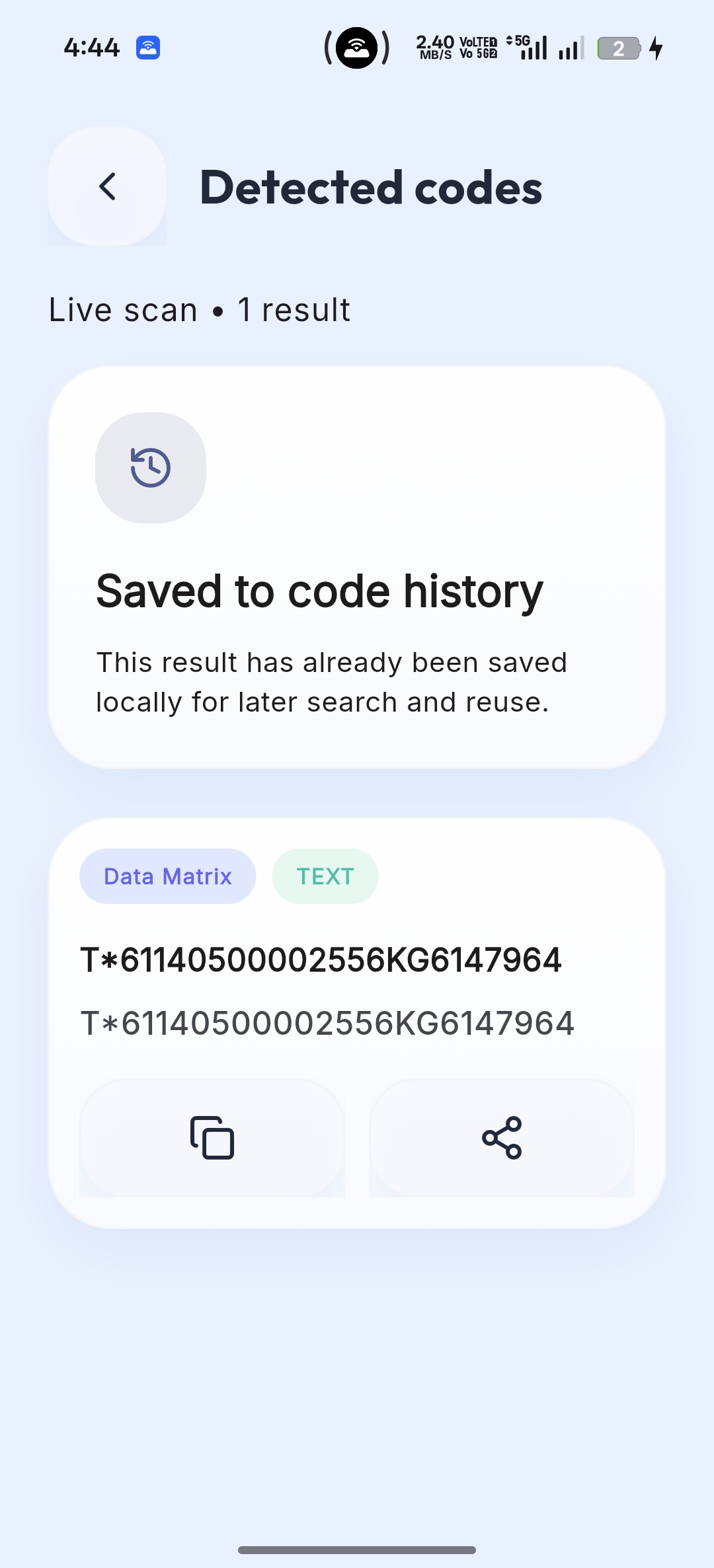
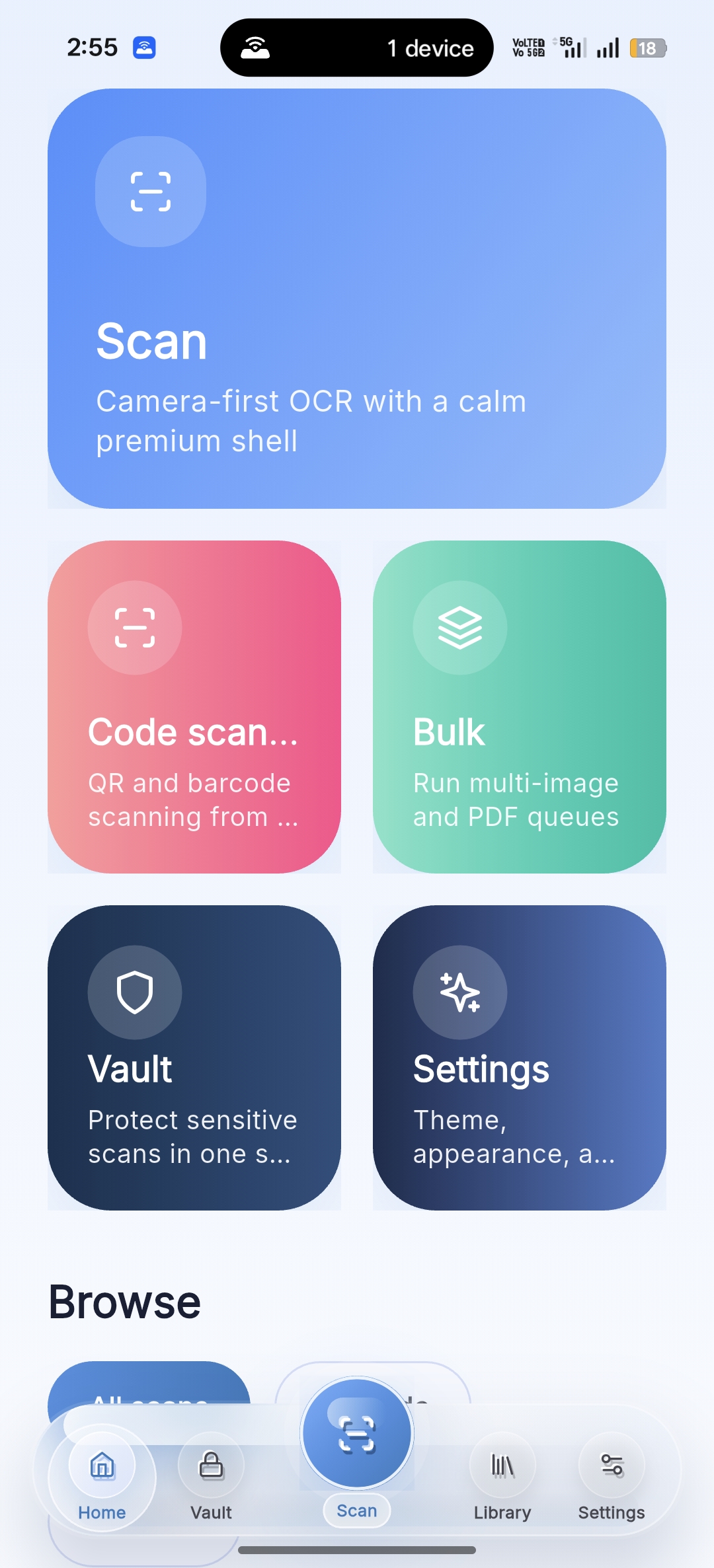
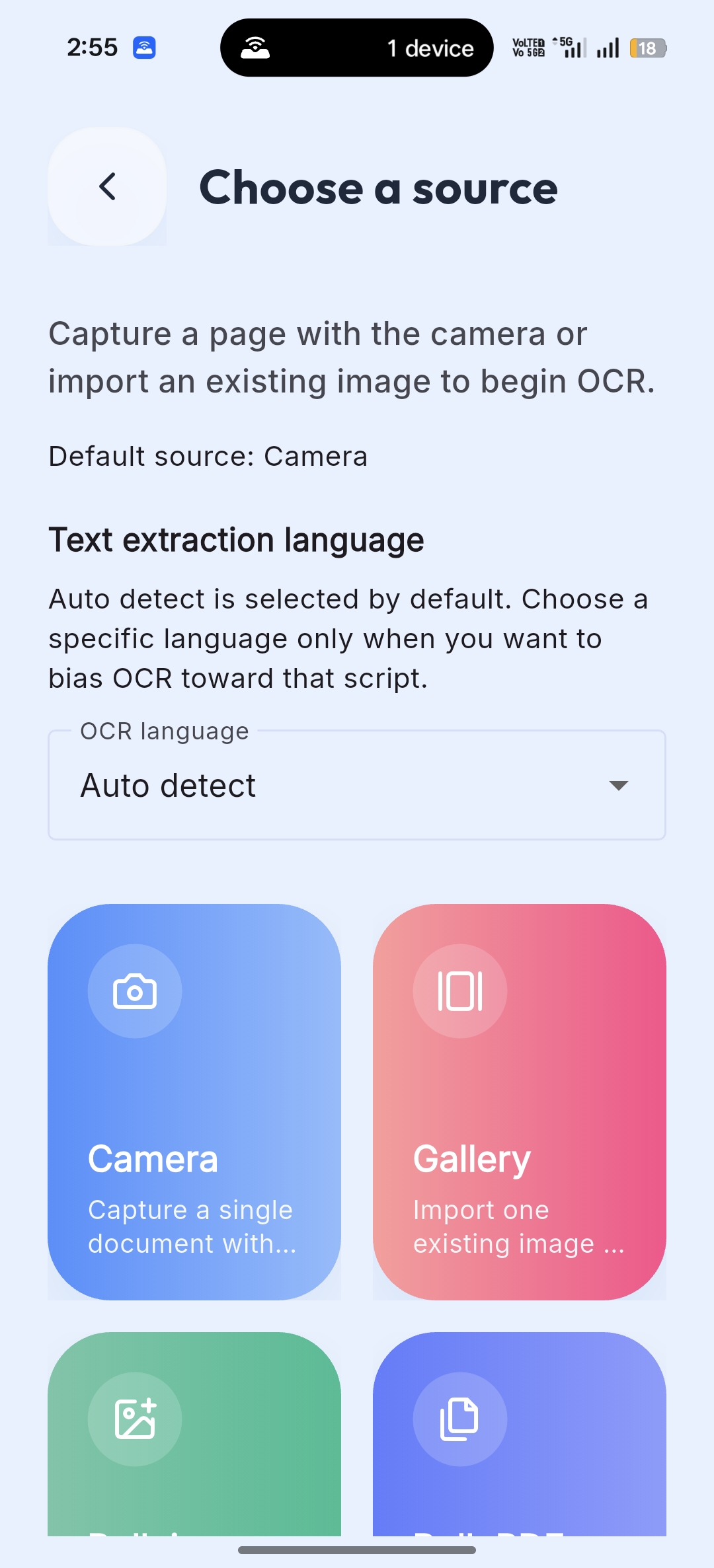
NeuroScan result screen NeuroScan scanner screen NeuroScan settings and FAQ style
Effective: May 3, 2026 Android App com.softfireinfotech.neuroscan

Quick summary

NeuroScan works primarily as a local-first scanning utility. Core OCR and code-scanning workflows are designed around on-device processing and user-controlled storage.

  • Camera access is used only for capturing documents and scanning QR or barcode content.
  • Recognized files, previews, and exports are stored on your device, including optional exports to Download/NeuroScan/.
  • Firebase Analytics and Crashlytics may collect technical usage and crash diagnostics to improve reliability and releases.
Application NeuroScan
Company SoftFire Infotech
Support contact@softfireinfotech.com

Camera & Scanning

Used for OCR capture, live QR scanning, and barcode recognition.

Vault Protection

Biometric or device authentication can protect sensitive documents.

Local Library

Library items, previews, and exports are managed on-device.

Diagnostics

Analytics and crash reporting are used to improve app quality and stability.

Privacy details

These sections explain what NeuroScan does, which permissions it uses, what data may be processed, and how users stay in control.

1. What NeuroScan does

NeuroScan is a document and code scanning app that supports OCR text extraction, QR code scanning, barcode scanning, batch image and PDF processing, translation, exports, and a secure vault for sensitive files.

The app is designed to work primarily as a local-first experience without requiring a user account for core scanning features.

2. Permissions we use

  • Camera: used to capture documents and scan QR codes and barcodes.
  • Notifications: used for optional status updates during longer bulk processing tasks.
  • Biometric authentication: used only for the vault feature where supported by the device.
  • Internet: used for Firebase services and for downloading certain on-device machine learning models when needed.

3. Information we process

  • Images captured with the camera or selected from your device
  • PDF files chosen by you for OCR processing
  • Recognized text extracted from your scans
  • QR code and barcode values detected by the scanner
  • Translated text generated from recognized content
  • Basic app usage and crash diagnostics

4. Local storage and exports

Library items, previews, and vault content are generally stored on your device. When you export files, the app may save them into public storage such as Download/NeuroScan/ so that you can access or share them outside the app.

You can also clear exports, enhanced images, and related temporary data from inside the app.

5. Analytics and crash reporting

NeuroScan may use Firebase Analytics and Firebase Crashlytics to understand feature usage, monitor stability, and improve release quality. This may include technical data such as device type, operating system version, app version, navigation events, and crash diagnostics.

These services are used to improve the app and are not intended for selling your personal information.

6. On-device models and translation

Some OCR languages and translation features may require machine learning models to be downloaded once to your device. After those models are available, they are used to support local processing for translation and text recognition workflows.

7. Data sharing

NeuroScan does not sell your personal data. Limited sharing may occur only when:

  1. you explicitly share exported files using your device’s share options,
  2. Firebase services process analytics or crash diagnostics, or
  3. disclosure is required by law or legal process.

8. Retention, deletion, and user control

Local documents, exports, and previews stay on your device until you remove them, clear app data, or uninstall the app. You can manage stored records directly inside the library, vault, and settings areas.

If you need support, contact us at contact@softfireinfotech.com.

Need help with NeuroScan or a custom app?

SoftFire Infotech builds Android products, backend systems, AI integrations, and private business tools for real workflows.

Visit SoftFire Infotech